

Animation Styles for AI Video: How to Pick, Build, and Scale Better Product Videos
The best strategy for most SaaS teams is simple: start with vector animation powered by AI, then layer in clean motion graphics design only where the product story needs emphasis. That approach is fast, easy to revise, and much better for conversion than jumping straight into a flashy look. Wyzowl’s 2026 video marketing report shows why this matters: 91% of businesses use video, 68% have made explainer videos, 63% already use AI video tools, and 93% say video improves user understanding. In other words, the market is crowded, attention is short, and the wrong visual choice wastes both budget and clicks.
This guide focuses on animation styles for video generation, not theory for its own sake. You will see which animation styles fit SaaS landing pages, product demos, and short social clips, plus how to turn those choices into prompts and production steps. The core recommendation stays the same through the whole article: use AI to build a clear vector animation base, keep the message tight, and only add complexity when the story earns it. That is the fastest way to make strong videos without getting trapped in expensive revisions.
1. Animation Styles Fail When the Story Goal Is Fuzzy
1.1 Match Animation Styles to the Job the Video Must Do
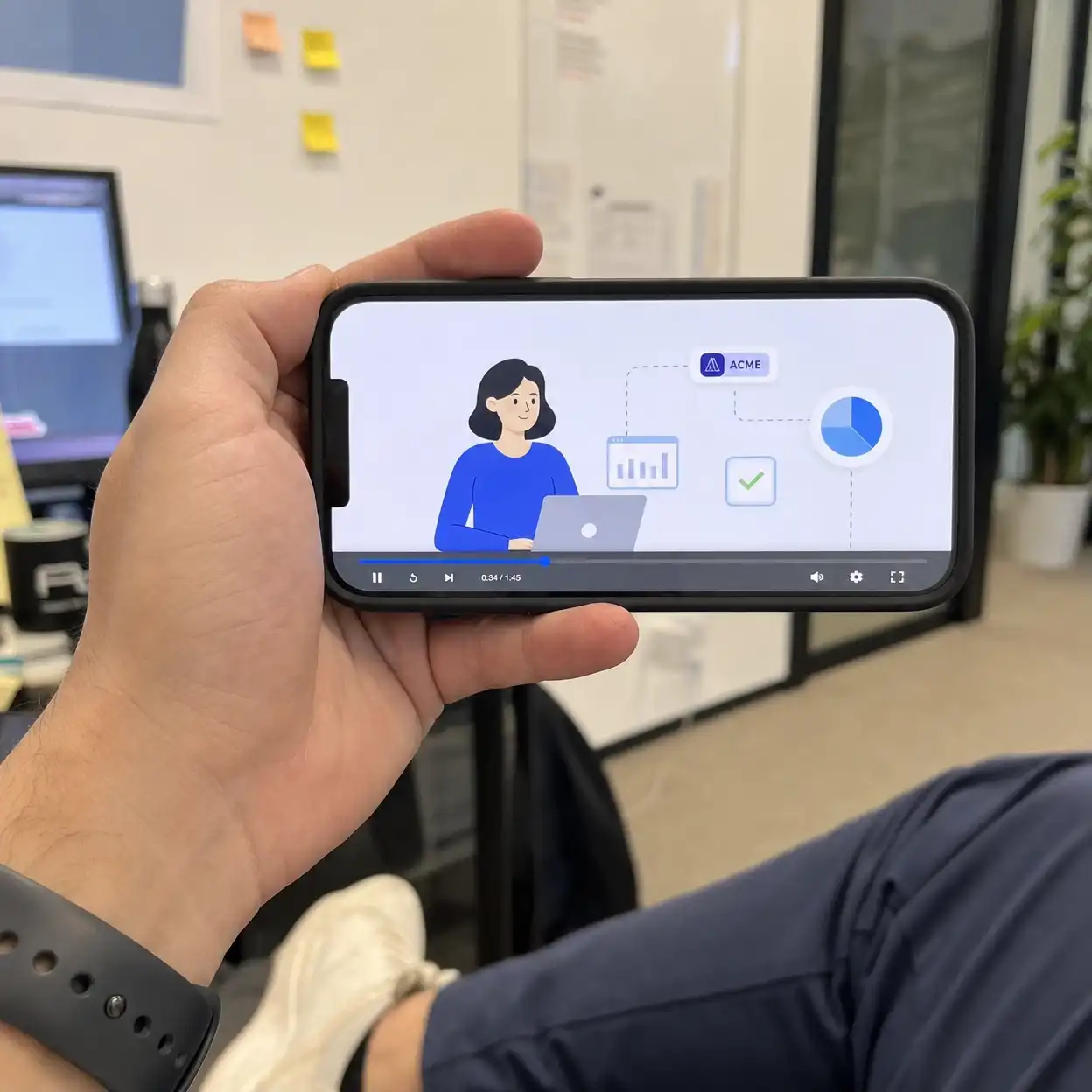
Most people search animation styles because they think style is the first decision. In SaaS, the first decision is the job of the video. Do you need to explain a workflow, show a feature, improve ad click-through, or increase homepage signups? Your animation styles should follow that goal, not the other way around.
For most product-led companies, the safest starting point is vector animation mixed with light icon animation. This format is fast to generate, easy to brand, and clear on small screens. It also works well with AI because shape language, transitions, and UI metaphors stay readable. If you begin with dense traditional 2d animation or detailed frame by frame animation, the message often slows down before the benefit becomes clear.
| Video goal | Best fit | Fast with AI | Easy to revise |
|---|---|---|---|
| Homepage explainer | vector animation | ✓ | ✓ |
| Feature teaser | icon animation | ✓ | ✓ |
| Narrative brand spot | traditional 2d animation | ||
| High-detail product world | 3d rendering software |
1.2 Learn from Real Product Examples Before You Pick a Look
Drew Houston is a useful example here. Dropbox became famous for explaining a complicated product in a simple, low-friction way, and that lesson still applies to animation styles today. SaaS buyers rarely reward the most decorative video first. They reward the video that makes the value obvious in the first few seconds.
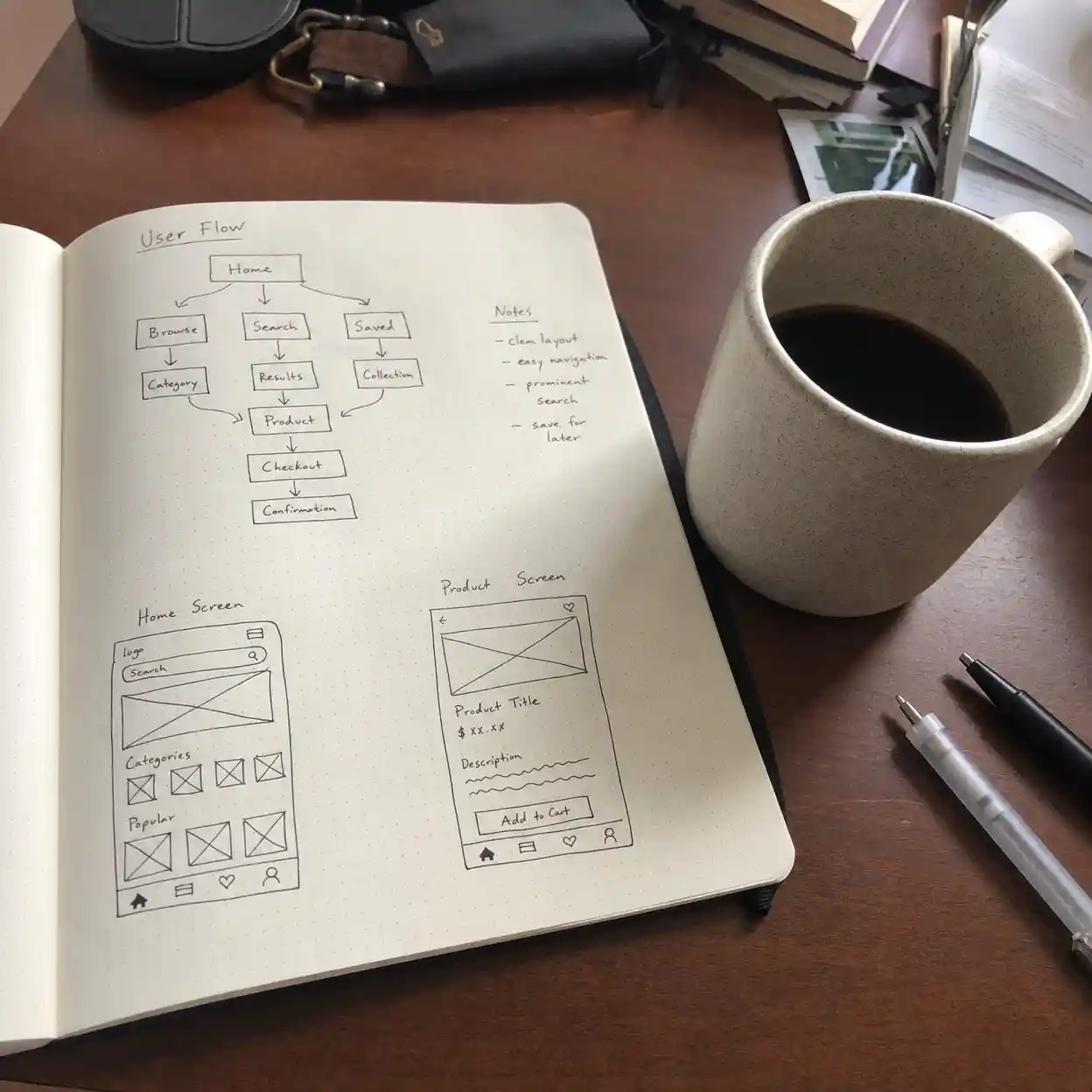
That is also why many teams get trapped by the wrong benchmark. They copy an elegant studio reel, then discover that the same animation styles are too slow for weekly testing, too expensive for ad variants, and too abstract for onboarding. A much better benchmark is a clean product story with clear pacing, visible outcomes, and room for iteration. When the brief is vague, animation styles become a costume instead of a communication tool.
This Reddit discussion on animation styles shows that motion designers still rate story clarity above flashy execution when they judge strong explainer videos.
MotionDesignr/MotionDesign2. The Best Animation Styles for AI Video Generation
2.1 Use Vector Animation, Icon Animation, and Flow Animation Style First
If your product has steps, dashboards, forms, uploads, or automation, start with animation styles built around vector animation. It keeps the screen clean and makes benefits easy to map to shapes, icons, and UI highlights. Icon animation is especially useful for fast feature loops, while flow animation style works well when you need to show progress from input to output. For a product like your AI video generator, that means showing prompt in, assets in, video out, then polish tools after.
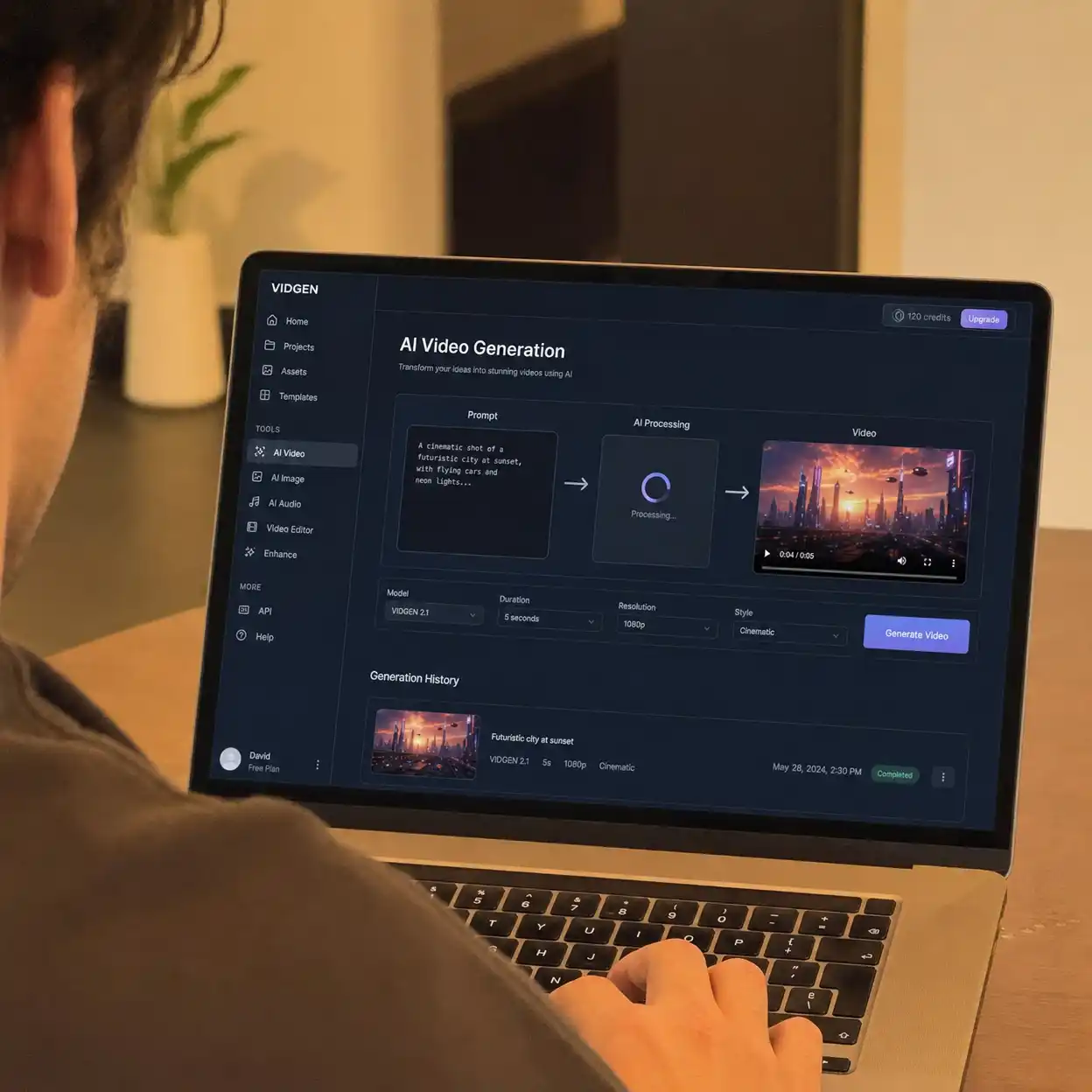
The reason this mix works so well is speed. AI video tools can generate a rough flow animation style concept much faster than a detailed character sequence, and the result is easier to edit into ads, demos, and onboarding clips. These animation styles also survive repurposing. A homepage sequence can become a pricing explainer, a feature GIF, or a short paid ad with only small changes.
| Style | Best use | Message clarity | Reuse across channels |
|---|---|---|---|
| vector animation | Explainers and demos | ✓ | ✓ |
| icon animation | Feature lists and ads | ✓ | ✓ |
| flow animation style | Process storytelling | ✓ | ✓ |
| stop motion techniques | Brand personality pieces |
TikTok’s AI Create documentation reinforces that animation styles built from short prompts and simple inputs are now practical for rapid video generation.
2.2 Add Heavy Styles Only When the Business Case Is Strong
Some animation styles look amazing in portfolios but underperform on real product pages. Traditional 2d animation can deliver charm and emotion, but it takes more planning to keep characters on-brand and scenes consistent. Frame by frame animation can feel premium, yet it is usually the wrong place to start when your main need is speed, testing, and feature clarity. This is why many SaaS teams should treat those animation styles as upgrades, not defaults.
There are good exceptions. If your product depends on trust, mood, or story, more expressive animation styles may justify the cost. Ryan Woodward’s public walk cycle studies are a good reminder that tiny timing changes alter emotion in a huge way. Many beginners copy the surface look of frame by frame animation but miss the motion logic, then wonder why the finished clip feels flat.
3. How to Make Animation Styles Work with AI Prompts
3.1 Build the Prompt Around Outcome, Not Decoration
People often ask how to make insanely good animation using ai, but the real answer starts before the prompt. Strong animation styles come from a clear sequence: audience pain point, product action, visible result, then a simple visual language. If you start by stuffing style words into the prompt, the video may look interesting but explain nothing. AI is best when it amplifies structure, not when it replaces it.
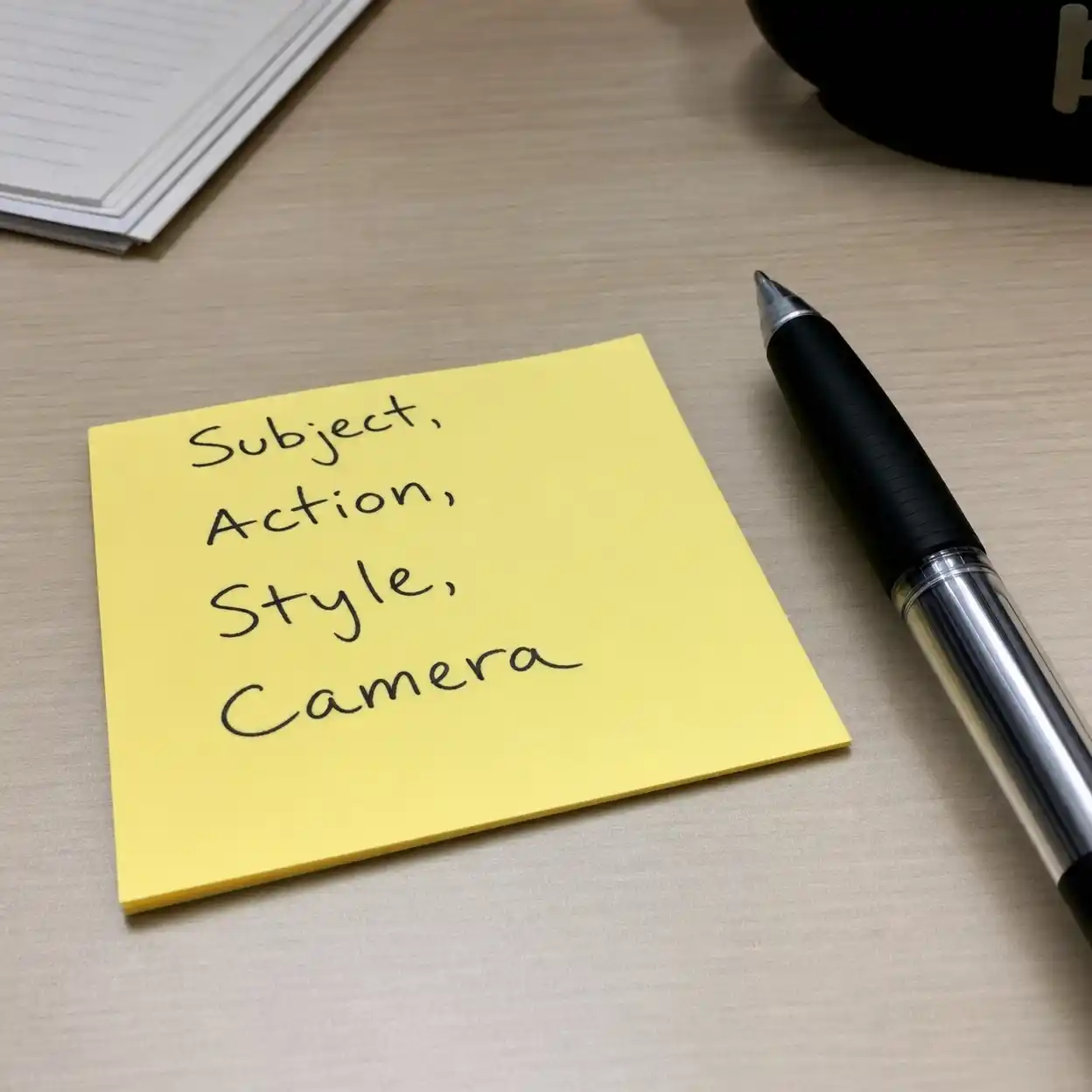
A practical prompt for animation styles should include six parts: subject, action, environment, style, camera, and delivery format. For example, if you need how to make 2d animation work for a SaaS explainer, describe the interface, what changes on screen, how the camera should move, and which visual grammar fits the brand. Add cues such as vector animation, motion graphics design, soft transitions, clean labels, and readable pacing. Save complex terms like render animation or 3d rendering software for scenes where depth is truly needed.
TikTok Effect House shows that prompt structure changes animation styles output quality, especially when camera and subject actions are described with precision.
3.2 Use a Render Checklist Before You Export Anything
When teams say AI video looks inconsistent, the problem is often not the model. The problem is that animation styles were not locked before export. Good render animation workflow means checking scene consistency, timing, text legibility, brand colors, and ending CTA before you generate final clips. This is where AI saves time only if you stay disciplined.
| Render check | Why it matters | Required before export |
|---|---|---|
| Stable visual language | Keeps animation styles coherent | ✓ |
| Readable text | Protects conversion | ✓ |
| Clear motion path | Supports flow animation style | ✓ |
| Brand-safe palette | Improves trust | ✓ |
If you need realism, use 3d rendering software after the concept is approved, not before. Dylan Field and the Figma team are a helpful model here because product motion usually stays focused on clarity, not spectacle. In practice, the most effective animation styles for product marketing keep the interface and the transformation front and center. A beautiful render that hides the feature is still a weak explainer.
3.3 Translate Style Names into Production Rules
One reason people keep searching animation styles is that style names sound useful but stay too abstract. Turn each one into rules. Vector animation means simple shapes, limited textures, and direct transitions. Traditional 2d animation means richer expression, more handcrafted timing, and more revision pressure.
The same logic helps with mixed workflows. Motion graphics design is usually best for feature logic, labels, and data motion. Stop motion techniques may inspire texture or framing, but they are rarely the easiest answer for product demos. If your goal is how to create animation movie storytelling for a brand launch, you can still start from AI boards and use those boards to protect your animation styles before production gets expensive.
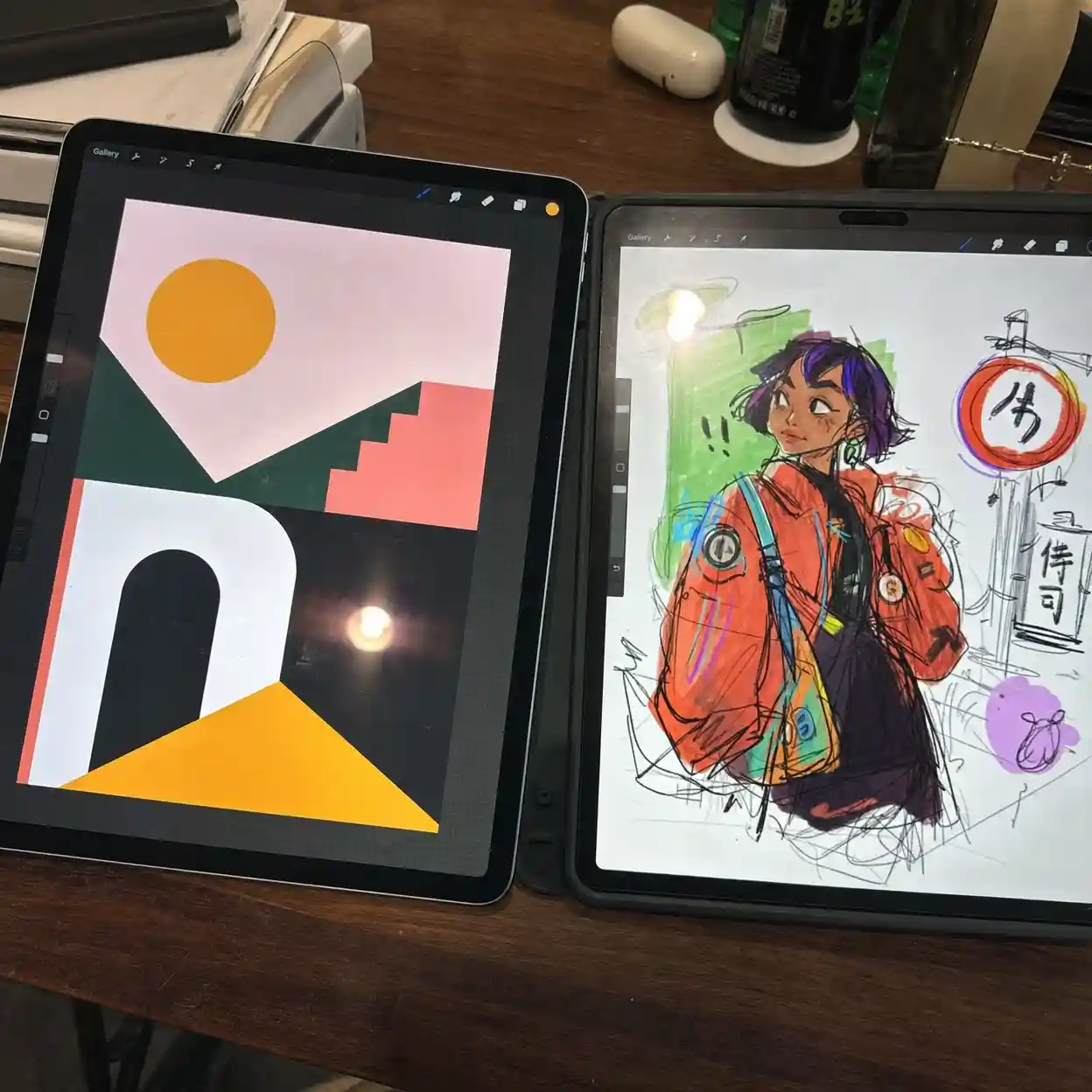
4. Choose the Right Tools for Animation Styles and Skill Level
4.1 Easiest Animation Program vs. Best Software for Beginner Animation
The easiest animation program is not always the best long-term choice, but it is often the best first move. Beginners searching animation styles usually need fast feedback more than maximum control. If the tool helps you turn one script into three clean variations this week, that is already useful. Waiting for the perfect stack is how many new creators lose momentum.
Best software for beginner animation depends on the output you need. If your work is mostly explainers, template-friendly AI video tools, lightweight editors, and motion graphics apps beat a full studio pipeline. If you plan to specialize in character acting or cinematic scenes, then deeper tools matter more. The smart path is to choose software that supports your most common animation styles, not software that looks impressive in a comparison chart.
This Reddit beginner software thread reflects a common animation styles pain point: new creators struggle less with ideas than with picking a tool they can actually sustain.
Beginner Softwarer/animation| Need | Good first tool type | Best for |
|---|---|---|
| Fast ads | AI video generator | icon animation |
| SaaS explainer | Motion editor | vector animation |
| Character acting | 2D animation app | traditional 2d animation |
| Deep cinematic scenes | 3D suite | 3d rendering software |
4.2 Build Animation Skills That Improve Every Style
Strong animation skills are still the leverage point, even in AI workflows. The most useful animation skills for business video are pacing, hierarchy, timing, storyboard logic, and CTA placement. If you master those, more animation styles become available because you can control what the viewer understands at each second. Without those basics, even expensive output feels random.
This is where many first-time creators hit the same pitfall. They spend days chasing plug-ins or style packs, but they never practice scene order or transition rhythm. Sarah Beth Morgan has spoken publicly about the value of clear style frames in motion design, and the lesson is practical: lock the look early, then animate with purpose. That habit makes your animation styles easier to scale across campaigns.
5. Turn Animation Styles into Landing Page, Demo, and Ad Assets
5.1 Homepage Explainer Workflow
The best homepage use of animation styles is usually a 30 to 45 second structure. Start with the pain, show the prompt or upload, show the generated result, then show the tools that improve the output. This is where vector animation, icon animation, and motion graphics design outperform heavier approaches because they keep focus on transformation. For your product, the video should make the path from idea to polished clip feel immediate.
Keep the first screen simple. Show one promise, one visual action, and one obvious result. If you overload the sequence with decorative animation styles, the product value disappears behind motion. Good SaaS explainers feel fast because every scene earns its place.

5.2 Social Ads, Demos, and Short Product Loops
Short-form assets need even tighter animation styles. A 15 second ad should usually show one use case and one output, not a full feature tour. Flow animation style is effective here because viewers can see progress in a straight line, while icon animation helps compress benefits into small visual beats. If you need how to create animation movie depth, save that for a longer brand video, not the first ad test.
There is also a production advantage. Once your base animation styles are defined, one script can produce multiple variants for paid social, onboarding, email, and feature pages. That is why a modular system beats a one-off masterpiece. The more reusable your scenes are, the more value AI video generation returns over time.
6. Use Animation Styles as a System, Not a One-Time Choice
6.1 A Practical Seven-Day Plan
The smartest way to improve animation styles is to treat them like a testing system. On day one, define the audience pain point and write the shortest script that can explain the result. On day two, create three variants: vector animation, icon animation, and flow animation style. On day three, build prompts, generate drafts, and check whether the message is still clear with sound off.
On day four, refine the winning draft with better labels, stronger pacing, and a cleaner CTA. On day five, run render animation passes for the homepage, social cutdowns, and one feature loop. On day six, test performance and collect feedback. On day seven, keep the strongest format as your default and only expand into traditional 2d animation, frame by frame animation, or 3d rendering software if the business case is proven.
6.2 Final Recommendation and CTA
For most teams, the best answer to animation styles is not the most artistic one. It is the one that helps a new visitor understand the product fast and trust the result enough to click. Start with vector animation, use clean motion graphics design, keep scenes modular, and let AI handle speed while you protect clarity. Then use your next draft to sharpen the message, not to chase novelty.
If you want faster production and better reuse, build your first video around one prompt, one workflow, and one clear outcome. That single discipline will improve your animation styles, your conversion path, and your content calendar at the same time. The next step is simple: compare three AI explainer formats and turn the clearest storyboard into your next launch video, then keep the version that makes the result easiest to understand.
References
Classpop’s guide maps the main categories of animation styles and is useful for comparing surface-level style differences before writing a production brief: https://www.classpop.com/magazine/types-of-animation-styles
Wyzowl’s 2026 video marketing statistics provide current business adoption data for video, explainer usage, AI video tools, and viewer understanding: https://wyzowl.com/video-marketing-statistics/